What Is ERP Software?
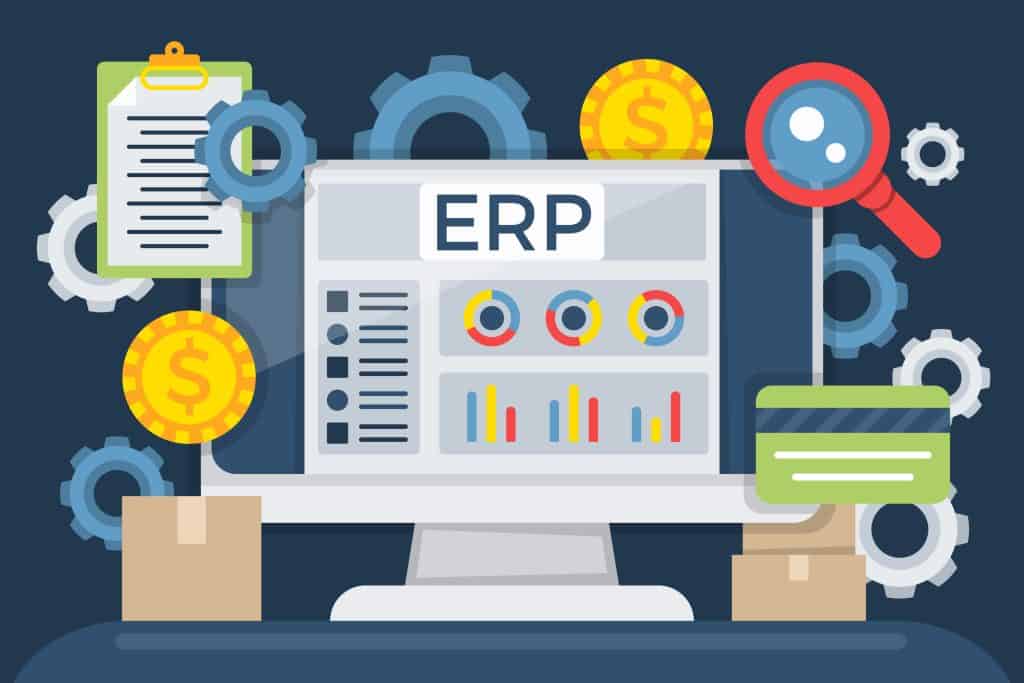
ERP software, or Enterprise Resource Planning software, is a business management system that integrates different business processes into one centralized platform.
Instead of using separate software for accounting, sales, inventory, purchasing, HR, and customer management, an ERP system allows businesses to manage these functions from a single system.
For example, when a company makes a sale, an ERP system can automatically update inventory, generate an invoice, record the transaction in accounting, and update sales reports.
This connected approach helps businesses reduce manual work, improve data accuracy, and make better decisions.
For businesses looking for a broader overview, see our ERP Software in Bangladesh: Complete Guide to Features, Modules, Pricing & How to Choose.
How Does ERP Software Work?
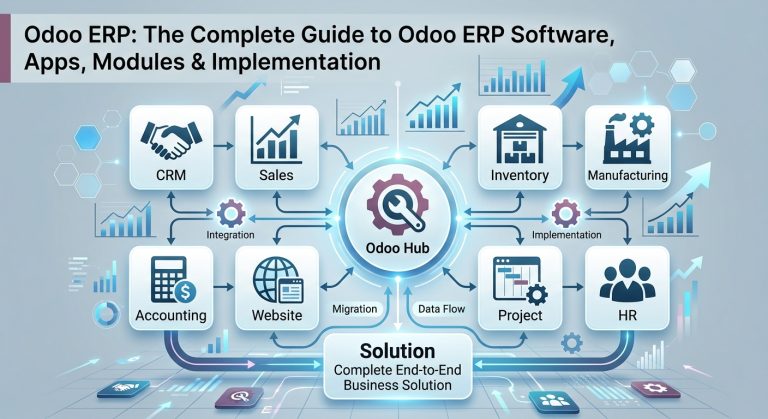
ERP software works by connecting different departments and business processes through a centralized database.
For example:
Customer places an order → Sales records the order → Inventory is updated → Invoice is generated → Accounting records the transaction → Management sees the updated report.
Without ERP, each department may maintain separate records. This can create duplicate data, communication problems, and reporting errors.
With ERP, information entered into one module can become available to other authorized modules automatically.
Simple ERP Workflow
Sales → Inventory → Accounting → Reporting → Management Decision
This integrated workflow is one of the main reasons businesses adopt ERP systems.
Why Do Businesses Need ERP Software?
As a business grows, managing operations with spreadsheets, notebooks, and multiple disconnected applications becomes increasingly difficult.
Common problems include:
- Duplicate data entry
- Inventory errors
- Difficult financial tracking
- Poor communication between departments
- Manual reporting
- Lack of real-time business information
- Difficulty managing multiple branches
- Slow decision-making
- Increasing administrative workload
ERP software addresses these problems by bringing important business functions together in one system.
Key Modules of ERP Software
ERP systems are usually made up of multiple modules. Businesses can choose the modules that match their operational requirements.
1. Accounting & Finance
The accounting module helps businesses manage financial transactions and generate important reports.
Typical features include:
- General ledger
- Accounts payable
- Accounts receivable
- Invoicing
- Expense management
- Cash flow management
- Profit and loss reports
- Balance sheet
- Financial reporting
2. Sales Management
The sales module helps businesses manage the complete sales process.
It can include:
- Customer management
- Quotations
- Sales orders
- Invoicing
- Sales reporting
- Customer follow-up
- Sales performance tracking
3. Inventory Management
Inventory management is one of the most important ERP functions for businesses that deal with physical products.
ERP can help businesses track:
- Current stock
- Stock movements
- Product locations
- Stock transfers
- Stock adjustments
- Reordering
- Warehouse operations
- Inventory valuation
This gives businesses better visibility into their inventory.
4. Purchase Management
The purchase module helps businesses manage procurement activities.
Typical functions include:
- Supplier management
- Purchase requests
- Purchase orders
- Vendor quotations
- Goods receipts
- Purchase invoices
- Supplier performance tracking
5. Human Resource Management
Many ERP systems also provide HR functionality for managing employees.
Depending on the ERP platform, features may include:
- Employee records
- Attendance
- Leave management
- Payroll
- Recruitment
- Performance management
- Employee reports
6. Customer Relationship Management (CRM)
CRM functionality helps businesses manage customer interactions throughout the sales process.
Businesses can track:
- Leads
- Opportunities
- Customer information
- Sales activities
- Follow-ups
- Customer communication
- Conversion rates
7. Manufacturing Management
Manufacturing businesses can use ERP to manage production processes.
Features may include:
- Bill of Materials (BOM)
- Manufacturing orders
- Production planning
- Work orders
- Raw material management
- Quality control
- Production reporting
8. Reporting & Business Intelligence
ERP systems collect data from different departments, making it easier to create centralized reports.
Management can use these reports to monitor:
- Sales
- Expenses
- Profitability
- Inventory
- Purchases
- Employee performance
- Customer activity
- Overall business performance
What Are the Main Benefits of ERP Software?
ERP software can provide several advantages when properly implemented.
1. Centralized Data
Instead of storing business information across multiple systems, ERP provides a centralized source of business data.
2. Reduced Manual Work
Automation can reduce repetitive tasks such as data entry, invoicing, stock updates, and reporting.
3. Better Accuracy
Because information is connected across departments, businesses can reduce duplicate entries and data inconsistencies.
4. Real-Time Information
Authorized users can access updated information about sales, inventory, finance, and other business activities.
5. Better Decision-Making
Management can use centralized reports and dashboards to make decisions based on current business data.
6. Improved Productivity
Employees spend less time searching for information and performing repetitive administrative tasks.
7. Better Business Control
Management gets greater visibility into business operations, helping identify problems and opportunities faster.
8. Scalability
A suitable ERP system can grow with the business by adding users, modules, branches, warehouses, or new business processes.
ERP Software vs Traditional Business Software
A traditional business may use separate applications for different departments.
For example:
Accounting Software + Spreadsheet + Inventory Software + HR Software + CRM
The problem is that these systems may not communicate effectively with each other.
ERP takes a different approach:
One Integrated ERP System → Multiple Business Functions → Centralized Data
This integration can significantly improve operational visibility.
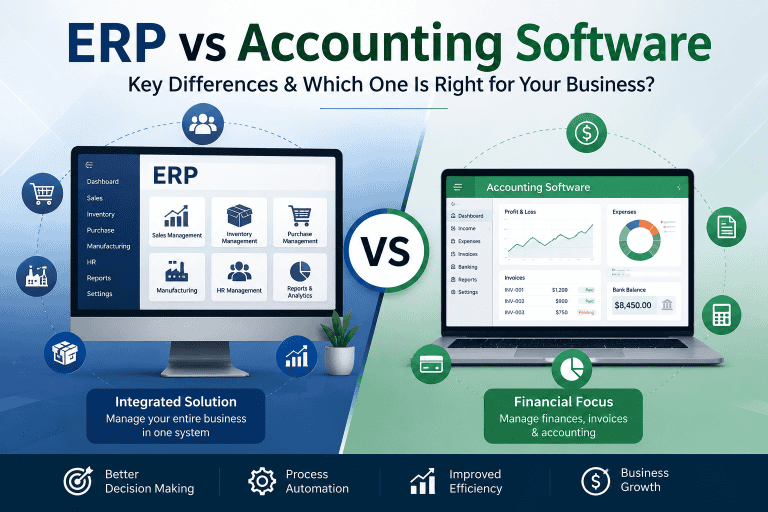
However, ERP is not automatically the best choice for every business. A small business with very simple accounting requirements may only need accounting software.
For a detailed comparison, see our guide on ERP Software vs Accounting Software.
Who Can Use ERP Software?
ERP software is not limited to large corporations.
Different types of businesses can benefit from ERP, including:
- Small and medium-sized businesses
- Manufacturing companies
- Trading companies
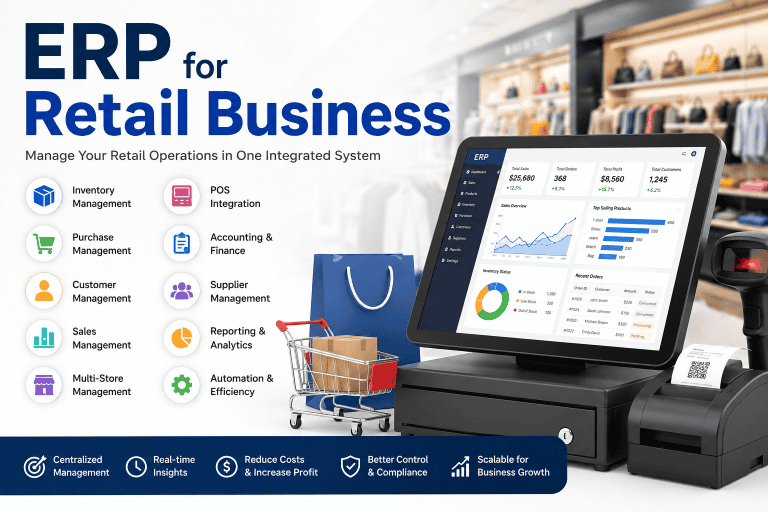
- Retail businesses
- Distribution companies
- E-commerce businesses
- Service companies
- Educational organizations
- Healthcare organizations
- Agriculture-related businesses
The right ERP configuration depends on the company’s size, industry, processes, budget, and future growth plans.
ERP Software for Small and Medium Businesses
SMEs often start with spreadsheets and basic software because their operations are relatively simple.
But as the business grows, problems can appear:
More customers → More orders → More inventory → More employees → More transactions → More complexity
At this stage, an ERP system can help connect business operations.
For example, an SME may start with:
- Accounting
- Sales
- Purchase
- Inventory
Later, it may add:
- CRM
- HR
- Manufacturing
- Payroll
- Advanced reporting
This modular approach allows businesses to implement ERP according to their actual requirements.
Cloud ERP vs On-Premise ERP
ERP software can generally be deployed using different models.
Cloud ERP
Cloud ERP is hosted on cloud infrastructure and accessed through the internet.
Common advantages include:
- Lower initial infrastructure investment
- Remote accessibility
- Easier scalability
- Vendor-managed updates
- Reduced server maintenance
On-Premise ERP
On-premise ERP is installed and operated on the organization’s own infrastructure.
It can provide:
- Greater infrastructure control
- More control over deployment
- High customization potential
- Greater responsibility for maintenance and security
The right choice depends on budget, IT resources, security requirements, customization needs, and business strategy.
How Much Does ERP Software Cost?
ERP pricing can vary significantly depending on several factors.
The total cost may depend on:
- Number of users
- Number of modules
- Customization
- Implementation
- Data migration
- Hosting
- Integrations
- Training
- Support and maintenance
Therefore, there is no single ERP price that applies to every business.
For Bangladesh-specific information, read our detailed guide:
ERP Software Pricing in Bangladesh
What Should You Consider Before Choosing ERP Software?
Before selecting an ERP system, businesses should evaluate their actual requirements rather than choosing software based only on price.
Consider:
Business Requirements
Identify the processes you want to improve or automate.
Required Modules
Determine whether you need accounting, inventory, sales, CRM, HR, manufacturing, or other modules.
Scalability
Make sure the ERP can support your future business growth.
Integration
Check whether the system can integrate with your existing software and third-party services.
Customization
Determine how much customization your business actually needs.
Security
Evaluate data protection, user permissions, backups, and access controls.
Implementation Support
A good ERP system can still fail if implementation is poorly managed. Evaluate the vendor or implementation partner carefully.
Common ERP Implementation Challenges
ERP implementation can be highly beneficial, but it requires proper planning.
Common challenges include:
- High initial investment
- Data migration problems
- Employee resistance to change
- Complex customization
- Integration difficulties
- Training requirements
- Implementation delays
- Business disruption
- Poorly defined requirements
Successful ERP implementation requires clear objectives, stakeholder involvement, proper training, and a realistic implementation plan.
Is ERP Software Worth It?
For businesses dealing with growing operational complexity, ERP can provide significant long-term value.
The real value of ERP is not simply having more software. It comes from connecting business processes and using business data more effectively.
A well-implemented ERP system can help a company:
Integrate → Automate → Analyze → Improve → Grow
However, businesses should avoid implementing ERP simply because it is popular. The system should solve real business problems and provide measurable operational value.